Key takeaways
AdSense approval depends on useful content, trust pages, navigation, and policy-safe pages.
Do not use fake earning claims, copied text, or thin AI-style articles.
Helpful examples, FAQs, and internal links improve page quality.
Check mobile layout before applying or requesting review.
Part of the Software Development Hub
Explore related guides in this topic cluster
What This Guide Helps You Fix
When a Google ad stays under review, it can feel frustrating. You may have a campaign ready, a budget set, and a launch date planned, but the ad is still not serving. The first thing to understand is that Google Ads approval and Google AdSense approval are not the same thing.
Google Ads is for advertisers who want to show ads. Google AdSense is for publishers who want to show ads on their websites and earn from ad placements.
This article is mainly about Google Ads account, ad, asset, and landing page review delays. It will clearly separate AdSense where needed.
Google Ads vs Google AdSense Approval
| Item | Google Ads approval | Google AdSense approval |
|---|---|---|
| Who applies? | Advertisers | Website publishers |
| What is reviewed? | Ads, keywords, assets, destinations, account signals | Whole website, content, policies, navigation, crawler access |
| Goal | Check whether ads are safe and policy-compliant | Check whether a site can show Google ads |
| Common issue | Ad under review or disapproved | Site not approved or low value content |
How Google Ads Review Works
After you create or edit an ad, Google reviews the ad content, headlines, descriptions, keywords, assets, images, videos, and destination page. If the ad passes, it becomes eligible to run. If it violates policy, it can be disapproved.
Google says most ads are reviewed within one business day, but complex reviews can take longer. If an ad stays under review for more than two full business days, check its status. If it remains under review for more than a week, Google recommends contacting support.
Common Reasons Google Ads Approval Gets Delayed
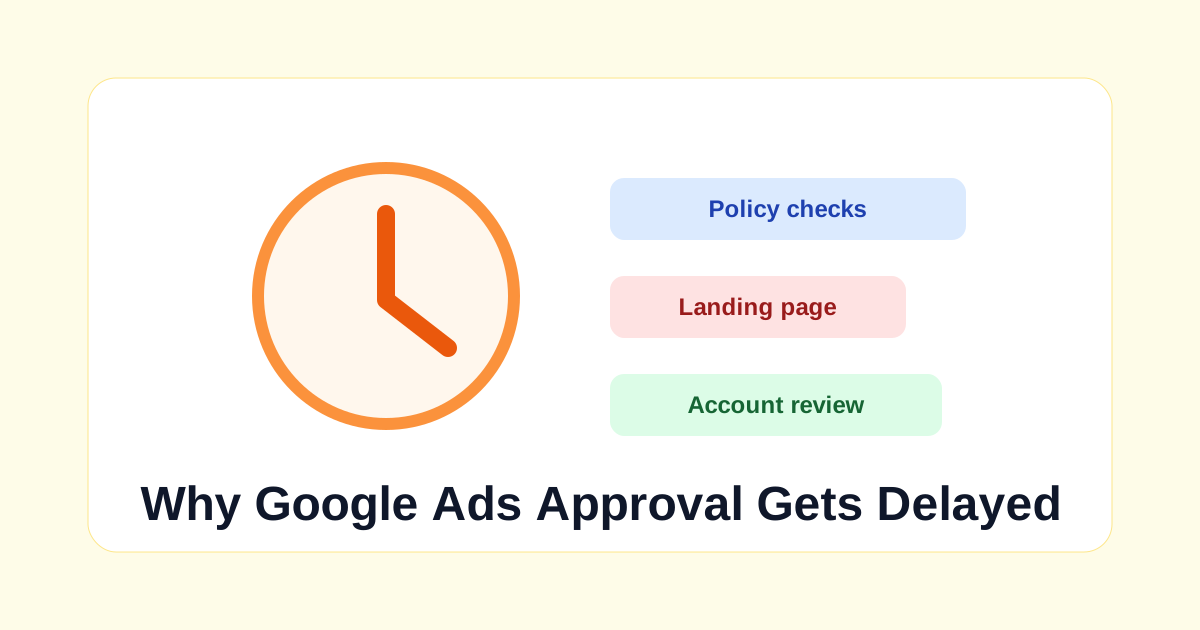
1. The Landing Page Needs More Review
Your ad is not reviewed alone. The destination page matters. If the landing page is slow, broken, unclear, blocked, or contains sensitive claims, review may take longer. Make sure the URL works, loads on mobile, and matches the promise in the ad.
Use the SEO Audit Tool to check page basics before launching. This is not a Google Ads policy checker, but it can catch broken structure, missing titles, and poor page signals.
2. You Edited the Ad During Review
Changing ads or assets can restart review. If you keep editing headlines, images, or URLs, the review process may begin again. Finalize the campaign carefully, then give it time.
3. Sensitive or Restricted Topics
Some industries need extra review. Examples can include finance, healthcare, legal, gambling-related terms, political content, medicines, or products with age restrictions. Even if your business is legitimate, Google may need more checks.
4. Mismatch Between Ad and Page
If your ad says one thing and the landing page shows something else, review can be delayed or disapproved. Make sure the offer, product, service, price, and claims are consistent.
5. New Account or Verification Checks
New accounts, unusual billing signals, business verification needs, or sudden campaign changes can trigger account-level checks. Keep account details accurate and respond to verification requests quickly.
Landing Page Problems That Slow Review
A landing page is not just a place where traffic arrives. It is part of the ad experience.
If the page is broken, very slow, full of popups, or different from the ad promise, Google may delay review or disapprove the ad.
Make sure your destination URL works on desktop and mobile before submitting the ad.
The landing page should clearly show the business, offer, price context if relevant, contact details, refund or cancellation notes when needed, and a privacy policy.
If the page collects leads, explain what the user is signing up for. Do not hide important conditions in tiny text.
For example, an ad that says "free SEO audit" should send users to a page that actually explains the free audit. It should not redirect to an unrelated product, force a download, or ask for unnecessary sensitive information before explaining the offer.
Policy-Sensitive Words and Claims
Some delays happen because the ad uses claims that need review.
Words like "guaranteed", "instant", "cure", "risk-free", "approved", or "official" can create problems if they are not accurate.
This is especially important in finance, health, education, legal, software, and job-related ads.
Use careful wording. Avoid absolute promises and use honest phrases such as "check your readiness", "learn practical steps", or "compare your options". Honest wording protects users and reduces policy risk.
When You Should Wait Before Resubmitting
If an ad is disapproved, do not immediately submit the same ad again. First read the policy reason, check the destination page, and fix the exact issue.
If you are unsure, compare your ad copy with the landing page line by line. The user should see the same offer, same business, and same next step after clicking.
If the delay is connected to account verification, finish verification before creating more campaigns.
Adding more ads while the account is under review can create confusion and more waiting.
Clean account information, clear business identity, and policy-safe landing pages are better than rapid campaign changes.
For important launches, submit campaigns early. This gives you time to handle review, fix a landing page issue, or adjust policy-sensitive wording before the promotion date arrives.
What You Should Check Before Contacting Support
- Ad status in Google Ads dashboard.
- Policy Manager for warnings or disapprovals.
- Landing page loads without errors.
- Mobile layout is usable.
- Final URL and display URL are correct.
- Business name, contact details, and claims are clear.
- No prohibited or misleading wording appears in ad copy.
What Not to Do
Do not create multiple duplicate accounts to avoid review. Do not repeatedly edit the same ad every few hours. Do not use misleading claims like guaranteed results, instant cures, or fake scarcity. Do not send users to a landing page that redirects unexpectedly.
Where AdSense Fits In
If your question is about showing ads on your website and earning as a publisher, that is Google AdSense, not Google Ads. AdSense review checks the entire site, original content, trust pages, navigation, policies, and crawler access. You can read TechIdea's separate guide on how to get Google AdSense approval.
Internal Linking Suggestions
Use Headline Analyzer to make ad and landing page headlines clearer. Use Meta Description Generator for cleaner page snippets. Use SEO Audit Tool to review the landing page basics, and browse TechIdea tools for quick copy and page checks.
External References to Check
Use official Google Ads Help for ad review time, policies, disapproval reasons, and account verification. For publisher approval, use official Google AdSense Help instead.
Keep screenshots of policy messages and note the exact time you submitted major edits. This makes support conversations easier if review remains delayed beyond the normal window.
Final Recommendation
If your Google ad is under review, stay calm and check the basics before changing everything.
Review the policy status, landing page, final URL, claims, business details, and verification requests.
Repeated edits can create more waiting, so make one careful fix instead of many rushed changes.
The biggest beginner mistake is mixing up Google Ads and AdSense. Google Ads review is about advertiser campaigns. AdSense review is about whether a publisher website can show ads.
Treat them as separate processes, and use the right official help page for the problem you are solving.
Soft CTA
Before launching your next campaign, use TechIdea's free tools to improve landing page clarity, headlines, and SEO basics. A cleaner page cannot guarantee approval, but it reduces avoidable mistakes.
Simple process
What to do next
Follow these steps in order. Keep each change small, check the result, then move to the next one.
Check content quality
Make sure each article has a clear purpose, original explanation, examples, and helpful FAQs.
Add trust pages
Review About, Contact, Privacy Policy, Disclaimer, and navigation before applying.
Fix mobile layout
Read the page on a phone and check spacing, font size, tables, and buttons.
Apply only when ready
AdSense approval is not guaranteed. Apply after the site feels useful and complete for readers.
Publishing checklist
- The title clearly tells readers what they will learn.
- The meta description is specific and written for clicks.
- The content has original examples, not only generic advice.
- Related tools, posts, and learning pages are linked naturally.
- Tables, FAQs, images, and buttons work well on mobile.
Mistakes to avoid
- - Applying before your site has enough original, useful content.
- - Using fake earning promises or copied policy text.
- - Missing About, Contact, Privacy Policy, or Disclaimer pages.
- - Writing the same introduction on many posts instead of explaining the real problem.
- - Publishing long paragraphs that are hard to read on mobile.
- - Adding too many CTAs before the reader gets a useful answer.
Up Next in Software Development
Keep Reading
Related tools
Related courses
Related posts
Best Free SEO Tools for Bloggers
Complete guide to growing your site for free.
Read guideHow to Get Indexed Faster
Practical checklist for Google discovery in 2026.
Read guideAdSense Approval Guide
Prepare your new website for monetization.
Read guideStudent Tools Hub
Top resources for students and learners.
Read guideFrequently asked questions
How long does Google Ads approval take?
Google says most ads are reviewed within one business day, but some complex reviews can take longer.
Does editing a Google ad restart review?
Yes. Changes to ads or assets can restart review and may cause delays.
Is Google Ads approval the same as AdSense approval?
No. Google Ads reviews advertiser ads, assets, keywords, and landing pages. Google AdSense reviews publisher websites that want to show ads.
Can I speed up Google Ads review?
You cannot force instant approval. Submit ads early, avoid repeated edits, fix policy issues, and contact Google Ads support if review stays delayed beyond Google's guidance.
Why is my eligible Google ad not spending?
Approval is only one factor. Budget, bids, targeting, competition, billing, campaign settings, and ad rank can also affect delivery.
Editorial Integrity
Fact CheckedWritten By
Pradeep RayWritten by Pradeep Ray, founder of TechIdea. He writes practical guides on AI tools, SEO, blogging, online safety, business automation, and digital growth. View full profile.
Reviewed By
TechIdea Editorial Panel
Technical accuracy verified by our expert engineering panel.
Why Trust TechIdea?
Last updated: May 17, 2026
Share or save this article
Send it to someone who can use the checklist.
Was this helpful?
Comments
Thoughtful comments are welcome. New comments stay pending until approved by admin.