Key takeaways
AdSense approval depends on useful content, trust pages, navigation, and policy-safe pages.
Do not use fake earning claims, copied text, or thin AI-style articles.
Helpful examples, FAQs, and internal links improve page quality.
Check mobile layout before applying or requesting review.
Part of the SEO, Blogging and Website Growth Hub
Explore related guides in this topic cluster
What This Guide Helps You Fix
Disclaimer: This guide helps you prepare for AdSense, but it does not guarantee approval. Approval depends entirely on your content quality, compliance, and Google's review process.
Getting Google AdSense approval is an important milestone for many new bloggers. However, new websites are often rejected when content is thin, navigation is confusing, trust pages are missing, or the site does not provide real value to readers.
In this guide, I'll walk you through a clear, honest checklist to fix the most common mistakes before you apply. We will not rely on tricks, just a strong focus on useful content, policy-safe wording, and trust signals.
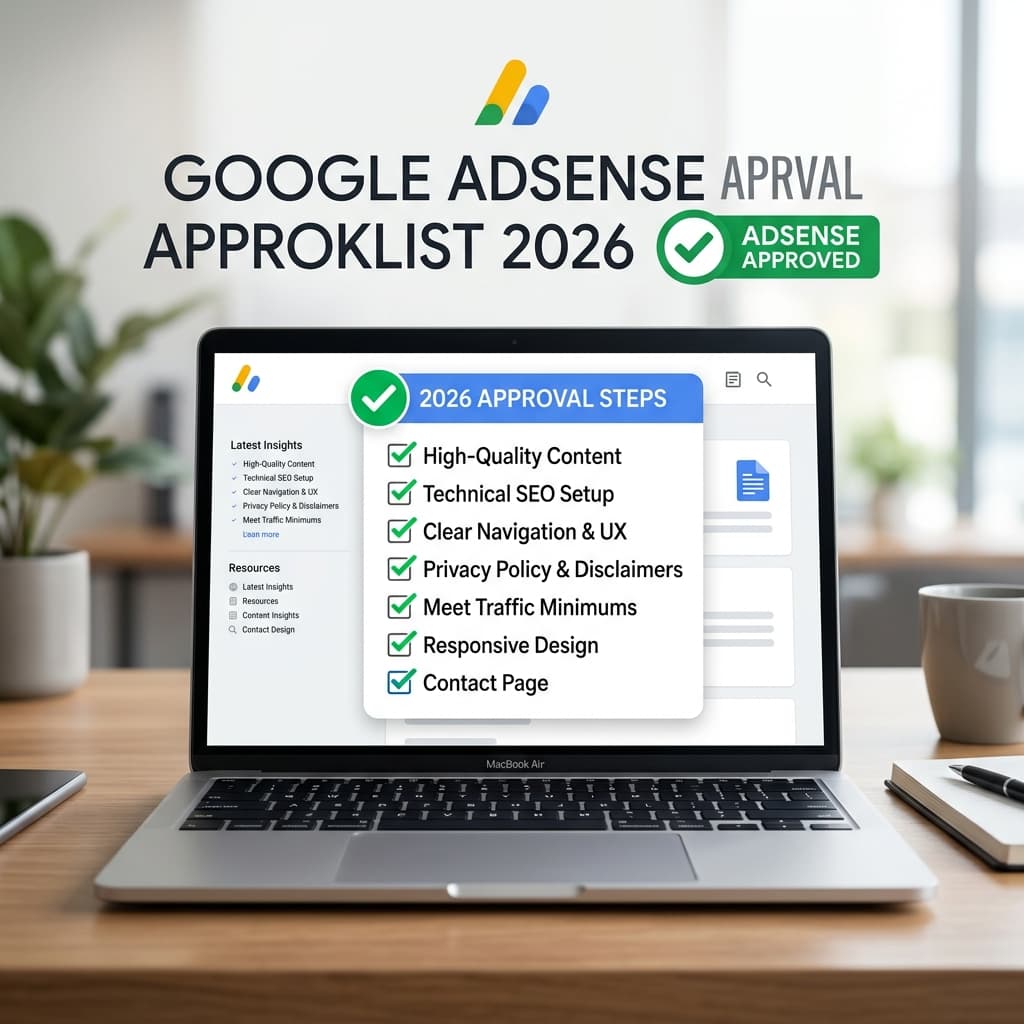
Simple Preparation Checklist
Before submitting your website to AdSense, ensure you have completed these steps:
| Task | Why it matters |
|---|---|
| Publish 15-20 useful articles | Shows your website is active and valuable. |
| Create Trust Pages | About, Contact, Privacy Policy, Terms, and Disclaimer build credibility. |
| Set up clean navigation | Users and reviewers must easily find your content. |
| Verify Google Indexing | Use Google Search Console to ensure your pages are discovered. |
| Check mobile layout | Your site must be easy to read and tap on mobile devices. |
Step 1: Build the Required Trust Pages
A new website should make it easy for visitors to understand who runs it. Add these trust pages in the footer or main navigation:
- About Us: Describe the human authors behind the website. Avoid generic templates.
- Contact Us: Provide a direct way for users to reach you (a working form or email).
- Privacy Policy: Mandatory for AdSense. Disclose how third-party vendors serve cookies.
- Terms and Conditions: Standard rules for using your site.
- Disclaimer: Important if your site covers finance, health, or technical tutorials.
Step 2: Fix 'Low Value Content' Errors
If you receive a "Low value content" rejection, Google thinks your pages don't offer unique information. Here are common reasons and how to fix them:
| Rejection Reason | How to Fix It |
|---|---|
| Thin Content | Expand weak posts with practical examples, FAQs, screenshots, and original explanations. |
| Unedited AI drafts | If you use AI, edit carefully! Fact-check the advice and add your own human voice. |
| Copied Content | Never copy existing blogs. Add your own experiences or original insights. |
| No Search Value | Write about topics people actually search for, not just random thoughts. |
Step 3: Setup ads.txt Properly
You must configure a clean ads.txt file so Google knows you own the site. Host a plain text file at yourdomain.com/ads.txt with this exact line:
google.com, pub-XXXXXXXXXXXXXXXX, DIRECT, f08c47fec0942fa0
Replace pub-XXXXXXXXXXXXXXXX with your 16-digit AdSense Publisher ID once Google provides it.
What NOT To Do
Avoid these critical mistakes when applying for AdSense:
- Do not buy fake traffic: It will trigger invalid click flags and get your account permanently banned.
- Do not change your theme: Keep your website layout stable while waiting for a review.
- Do not promise downloads/movies: AdSense bans sites providing pirated or illegal content.
- Do not re-apply immediately: If rejected, wait 2 to 4 weeks. Fix the core issues, publish more high-quality articles, and then re-apply.
Practical Next Steps
Keep a consistent publishing schedule of 1-2 new, well-researched articles per week. Before applying, review your technical health:
- Check your site readiness with the AdSense Readiness Checker.
- Scan for missing tags using the Website SEO Audit Tool.
- Learn How to Get Your Website Indexed Faster.
- Read our Blogging Growth Guides for more tips on writing helpful content.
Simple process
What to do next
Follow these steps in order. Keep each change small, check the result, then move to the next one.
Check indexing first
Open Google Search Console and confirm the page can be crawled, indexed, and found through your sitemap.
Try SEO Audit ToolImprove the search snippet
Rewrite the title and meta description so the benefit is clear before users click.
Check SEO titleAdd useful examples
Show before and after examples, common mistakes, and simple explanations readers can apply today.
Link related pages
Connect the article to tools, guides, courses, and related posts so Google understands the topic cluster.
Find keyword ideasPublishing checklist
- The title clearly tells readers what they will learn.
- The meta description is specific and written for clicks.
- The content has original examples, not only generic advice.
- Related tools, posts, and learning pages are linked naturally.
- Tables, FAQs, images, and buttons work well on mobile.
Mistakes to avoid
- - Applying before your site has enough original, useful content.
- - Using fake earning promises or copied policy text.
- - Missing About, Contact, Privacy Policy, or Disclaimer pages.
- - Writing the same introduction on many posts instead of explaining the real problem.
- - Publishing long paragraphs that are hard to read on mobile.
- - Adding too many CTAs before the reader gets a useful answer.
Up Next in SEO, Blogging and Website Growth
Keep Reading
Related tools
Related courses
SEO Course
Learn search basics, technical SEO, and page structure.
Open toolPractice Quizzes
Test HTML, CSS, and JavaScript basics with instant feedback.
Open toolBest Tools for Bloggers
See useful tools for content planning and publishing.
Open toolBrowse Courses
Explore structured learning paths on TechIdea.
Open toolRelated posts
Best Free SEO Tools for Bloggers
Complete guide to growing your site for free.
Read guideHow to Get Indexed Faster
Practical checklist for Google discovery in 2026.
Read guideAdSense Approval Guide
Prepare your new website for monetization.
Read guideStudent Tools Hub
Top resources for students and learners.
Read guideFrequently asked questions
What is the ads.txt file and is it mandatory?
The ads.txt file is a standard that helps advertisers verify authorized sellers for your ad inventory. For AdSense, add the line Google gives you in your account and keep the file available at yourdomain.com/ads.txt.
How do I fix the 'Low Value Content' AdSense rejection?
To resolve Low Value Content, audit your posts. Expand thin guides with original examples, replace copied or generic visuals with useful screenshots or diagrams, delete unhelpful categories, and verify that you are not copy-pasting or relying entirely on unedited AI output.
What are the exact required policy pages for approval?
A serious new website should link to core trust pages such as About, Contact, Privacy Policy, Terms, and a relevant Disclaimer. Keep them visible from the footer or main navigation.
How long does Google AdSense review take?
Review time can vary. While waiting, keep the site stable, avoid major layout changes, and continue improving useful content and navigation.
Can I use AI to write blog articles for AdSense?
Google values helpful, original content. If you use AI as a writing assistant, you must heavily edit, fact-check, format, and add personal experience or tools to ensure the article provides real human value compared to generic search results.
Editorial Integrity
Fact CheckedWritten By
Pradeep RayWritten by Pradeep Ray, founder of TechIdea. He writes practical guides on AI tools, SEO, blogging, online safety, business automation, and digital growth. View full profile.
Reviewed By
TechIdea Editorial Panel
Technical accuracy verified by our expert engineering panel.
Why Trust TechIdea?
Last updated: May 19, 2026
Share or save this article
Send it to someone who can use the checklist.
Was this helpful?
Comments
Thoughtful comments are welcome. New comments stay pending until approved by admin.