Key takeaways
Start with one clear reader problem.
Use short paragraphs and practical examples.
Add internal links to related tools and guides.
Finish with a simple next step.
Part of the Software Development Hub
Explore related guides in this topic cluster
Are You Underutilizing Tally Prime?
Most small businesses use Tally Prime purely as a digital ledger. They record sales, log expenses, and generate GST reports.
But beneath the surface, Tally is powered by a remarkably flexible engine.
By leveraging TDL (Tally Definition Language), you can transform Tally from a passive recording tool into an active, automated ERP system that enforces business rules and prevents errors.
Drawing from our 13+ years of experience developing custom modules for hundreds of businesses, here are the top 5 TDL customizations that provide the highest return on investment.
1. Dynamic UPI QR Code Generation
Cash flow is the lifeblood of small business. Stop printing static QR codes that force your customers to manually type the invoice amount (leading to errors and underpayments). Using TDL, we can generate a unique QR code on every single invoice that contains your UPI ID and the exact total bill amount. The customer scans it, the amount is pre-filled, and they hit send. It drastically reduces payment friction.
2. Strict Validation & Negative Stock Prevention
Human error is expensive.
A busy data entry operator might accidentally select the wrong item or bill an item that isn't actually in stock, leading to chaotic inventory reconciliation later.
A simple TDL script can act as a gatekeeper.
We can write code that completely blocks the user from saving a Sales Voucher if the stock goes negative, or if they apply a discount higher than their designated authorization level.
3. Automated Outstanding Alerts at Point of Sale
Don't wait for month-end aging reports to realize a customer hasn't paid.
We can implement a TDL trigger that immediately flashes a bold warning on the screen the moment a data entry operator selects a Customer Ledger in a new Sales Voucher.
If the customer has pending bills older than 60 days, or has exceeded their credit limit, the system can either warn the user or completely block the transaction pending managerial approval.
4. Barcode Scanner Integration & Rapid Billing
For retail and wholesale distributors, speed is everything. TDL can map your USB barcode scanner input directly to the Item Allocation screen.
Instead of manually searching for items, the operator simply scans barcodes sequentially, and TDL automatically populates the grid, increments quantities, and calculates totals instantly.
5. Custom MIS Reports & Sales Commissions
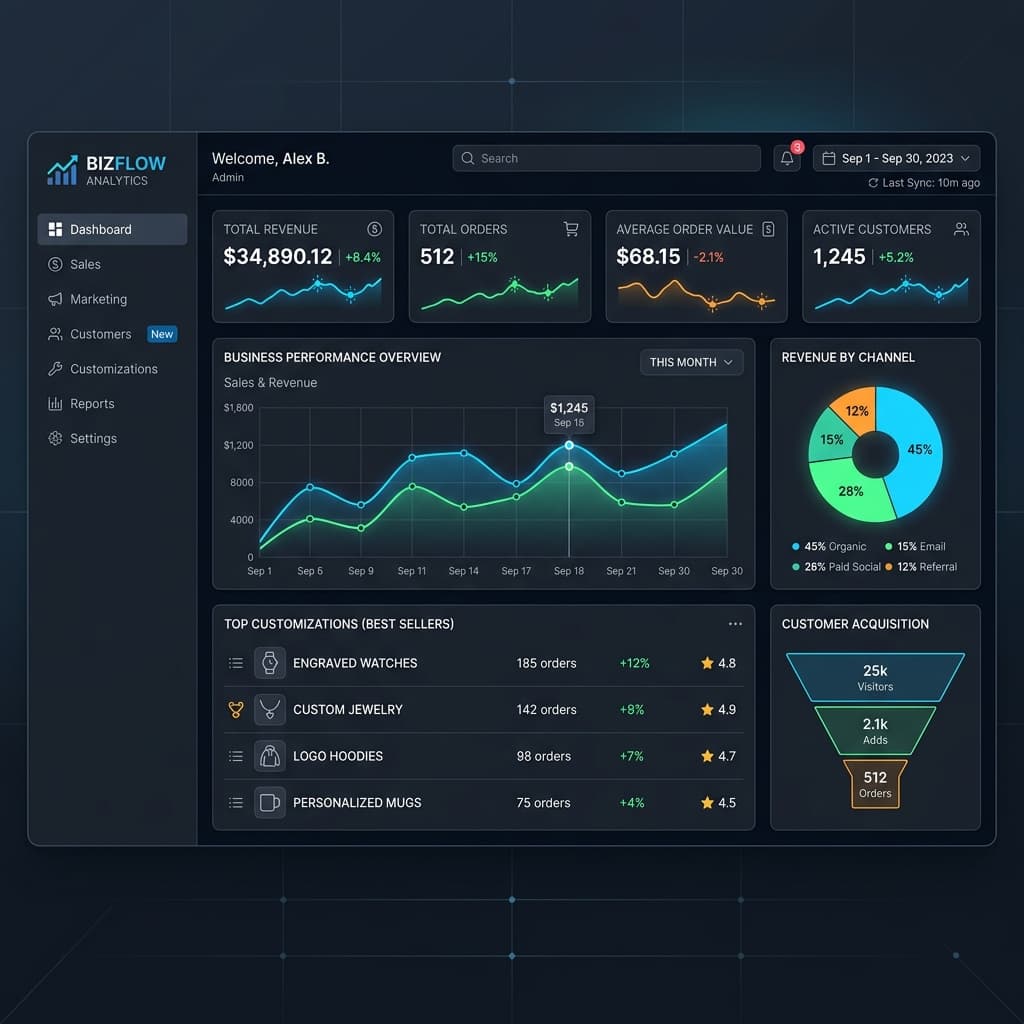
Stop exporting data to Excel just to calculate monthly sales rep commissions. TDL can build powerful, custom MIS (Management Information System) dashboards right inside Tally. We regularly build modules that track sales by specific executives, calculate tiered commissions based purely on realized payments (not just billed amounts), and generate automated payout reports.
Ready to Upgrade Your Operations?
These are not pipe dreams; these are highly stable modules we deploy regularly. If you are tired of manual workarounds and want to unlock the full potential of your accounting software, explore our Tally Customization Services. Let's build a system that works for you.
Simple process
What to do next
Follow these steps in order. Keep each change small, check the result, then move to the next one.
Understand the reader problem
Write down what the reader wants to solve before adding extra sections.
Give the short answer early
Add a quick answer near the top so readers know they are in the right place.
Support with examples
Use one practical example, checklist, or table so the advice is easier to apply.
Offer a helpful next step
Link to one related tool, guide, or course that helps the reader continue.
Publishing checklist
- The title clearly tells readers what they will learn.
- The meta description is specific and written for clicks.
- The content has original examples, not only generic advice.
- Related tools, posts, and learning pages are linked naturally.
- Tables, FAQs, images, and buttons work well on mobile.
Mistakes to avoid
- - Writing the same introduction on many posts instead of explaining the real problem.
- - Publishing long paragraphs that are hard to read on mobile.
- - Adding too many CTAs before the reader gets a useful answer.
Up Next in Software Development
Keep Reading
Related tools
Invoice Template Maker
Create a client-ready invoice with editable business details.
Open toolGST Calculator
Calculate GST amount, tax breakup, and total invoice value.
Open toolProfit Margin Calculator
Check your business margins easily.
Open toolAI Small Business Growth Kit
Accelerate your local business operations with tailored AI tools.
Open toolRelated courses
N8N Automation Course
Master no-code workflow integrations and automation basics.
Open toolPractice Quizzes
Test HTML, CSS, and JavaScript basics with instant feedback.
Open toolSEO Course
Learn search basics, structure, and optimization.
Open toolBrowse Courses
Explore structured learning paths on TechIdea.
Open toolRelated posts
Free Tools for Freelancers
Connect invoices, writing, PDFs, and client workflows.
Read guideSmall Business Tools Hub
Top resources for business owners.
Read guideAI Tools for Small Business
Useful AI use cases for growth, content, and scheduling.
Read guideMore Software Development articles
Browse articles in this category.
Read guideFrequently asked questions
Who is this guide for?
This guide is written for beginners who want a simple, practical explanation without hype or complicated terms.
What should I do first?
Read the quick answer, follow the step-by-step plan, and use the related tools only when they match your goal.
How do I avoid AI-looking content?
Use short paragraphs, add original examples, remove generic phrases, and explain the real reason behind each step.
Where should I go next?
Use the related tools and related guides near the end of the article to continue with a focused next step.
Editorial Integrity
Fact CheckedWritten By
Pradeep RayWritten by Pradeep Ray, Founder of TechIdea. 13+ years of experience in Tally Customization and advanced ERP integration. View full profile.
Reviewed By
TechIdea Editorial Panel
Technical accuracy verified by our expert engineering panel.
Why Trust TechIdea?
Last updated: July 12, 2026
Share or save this article
Send it to someone who can use the checklist.
Was this helpful?
Comments
Thoughtful comments are welcome. New comments stay pending until approved by admin.