Key takeaways
Google needs crawlable pages, clear titles, helpful content, and internal links.
Pages with impressions but low clicks usually need better titles and meta descriptions.
Thin or repeated paragraphs can reduce trust with readers.
Tables, examples, FAQs, and related tools help users stay longer.
Part of the SEO, Blogging and Website Growth Hub
Explore related guides in this topic cluster
What This Guide Helps You Fix
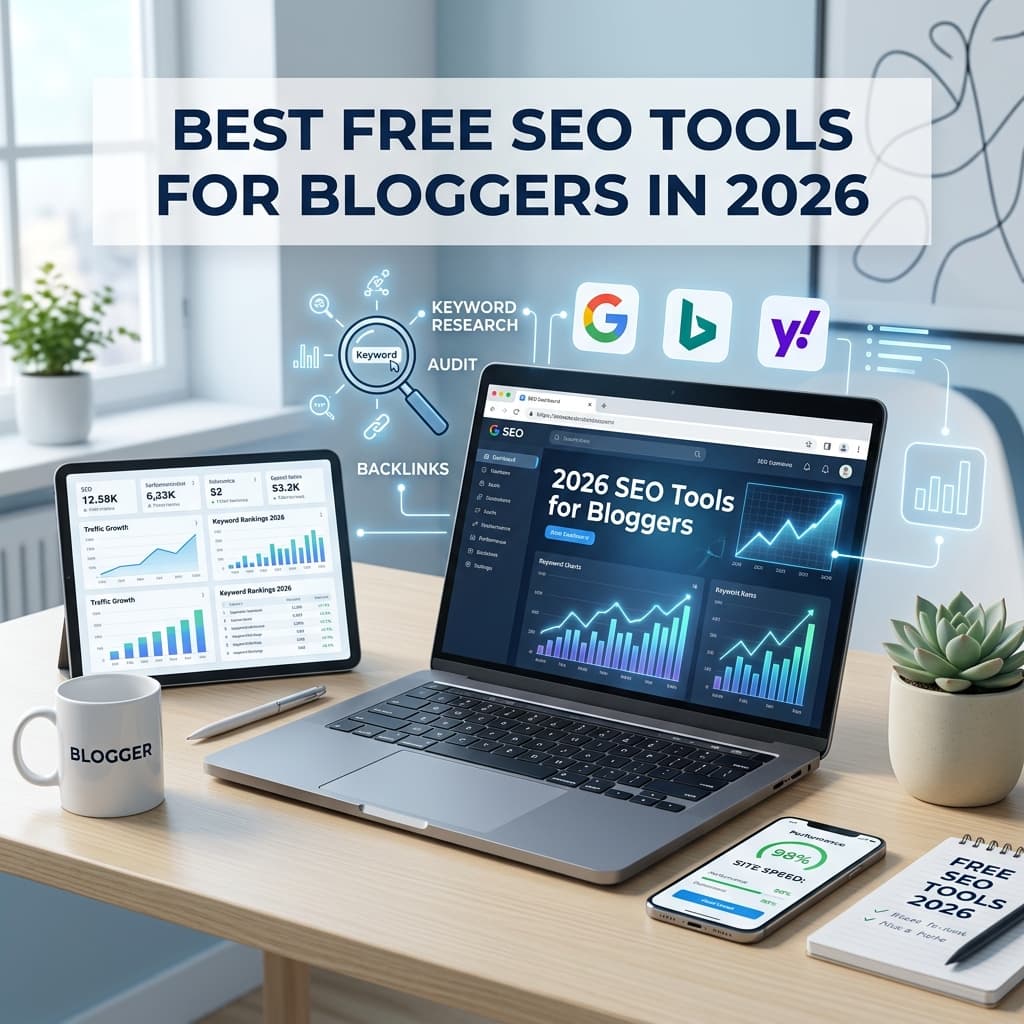
SEO (Search Engine Optimization) can feel overwhelming for new bloggers, especially when professional SEO platforms charge expensive monthly fees. This guide is for new bloggers, freelance writers, and small website owners who need practical ways to find keywords, improve titles, and check basic technical issues without paying for a large SEO suite.
Disclaimer: This article provides educational information on digital tools. Earning money online or ranking on search engines depends entirely on your content quality, consistency, search demand, and individual efforts.
Practical Step-by-Step Guide
To consistently rank new posts, follow this weekly optimization workflow using free tools:
- Discover High-Intent Topics: Use Google Search autocomplete and our Low Competition Keyword Finder to identify search terms with real user intent.
- Analyze Search Intent: Search the keyword yourself. Look at what the top 3 results are doing (lists, guides, or tools) and format your content to match.
- Draft Click-Worthy Headings: Run your title drafts through the SEO Title Checker to ensure they don't get cut off in mobile search pages.
- Create Perfect Snippets: Build descriptive, keyword-integrated summaries using the Meta Description Generator.
- Verify Technical Health: Run the live URL through our SEO Audit to check for missing image alt tags or broken links.
Free SEO Tools Comparison for Bloggers
| SEO task | Free tool to use | Best next step |
|---|---|---|
| Find topic ideas | Low Competition Keyword Finder | Pick one specific question and answer it clearly. |
| Improve titles | SEO Title Checker | Keep the benefit clear and avoid clickbait. |
| Write snippets | Meta Description Generator | Explain what the reader gets from the page. |
| Check page basics | SEO Audit Tool | Review headings, canonical tags, internal links and alt text. |
| Track real queries | Google Search Console | Refresh pages with impressions but low CTR. |
Genuine Recommendations
Why use these specific tools? Because they give you exactly what you need without the bloat. We highly recommend starting with Google Search Console (GSC) because it is Google's official free tool. It tells you exactly what keywords your website is already showing up for. Combine GSC with Microsoft Clarity (for free user heatmaps) and TechIdea's built-in Title Checker to cover the entire SEO lifecycle from research to on-page optimization.
Clear Next Steps
Your immediate next step is to connect your website to Google Search Console if you haven't already. Once verified, pick one past blog post that isn't ranking well, run it through the SEO Audit tool, and update its title and meta description.
Related Internal Links
- Test your technical health with the Website SEO Audit Tool.
- Find easy keywords using the Low Competition Keyword Finder.
- Learn How to Get Google AdSense Approval once your traffic grows.
- Plan your next blog post using the SEO Article Brief Generator.
Simple process
What to do next
Follow these steps in order. Keep each change small, check the result, then move to the next one.
Check indexing first
Open Google Search Console and confirm the page can be crawled, indexed, and found through your sitemap.
Try SEO Audit ToolImprove the search snippet
Rewrite the title and meta description so the benefit is clear before users click.
Check SEO titleAdd useful examples
Show before and after examples, common mistakes, and simple explanations readers can apply today.
Link related pages
Connect the article to tools, guides, courses, and related posts so Google understands the topic cluster.
Find keyword ideasPublishing checklist
- The title clearly tells readers what they will learn.
- The meta description is specific and written for clicks.
- The content has original examples, not only generic advice.
- Related tools, posts, and learning pages are linked naturally.
- Tables, FAQs, images, and buttons work well on mobile.
Mistakes to avoid
- - Focusing only on backlinks while titles, content, and internal links are weak.
- - Stuffing keywords instead of answering the search intent.
- - Ignoring Search Console impressions and CTR data.
- - Writing the same introduction on many posts instead of explaining the real problem.
- - Publishing long paragraphs that are hard to read on mobile.
- - Adding too many CTAs before the reader gets a useful answer.
Up Next in SEO, Blogging and Website Growth
Keep Reading
Related tools
Related courses
SEO Course
Learn search basics, technical SEO, and page structure.
Open toolPractice Quizzes
Test HTML, CSS, and JavaScript basics with instant feedback.
Open toolBest Tools for Bloggers
See useful tools for content planning and publishing.
Open toolBrowse Courses
Explore structured learning paths on TechIdea.
Open toolRelated posts
Best Free SEO Tools for Bloggers
Complete guide to growing your site for free.
Read guideHow to Get Indexed Faster
Practical checklist for Google discovery in 2026.
Read guideAdSense Approval Guide
Prepare your new website for monetization.
Read guideMore SEO, Blogging and Website Growth articles
Browse articles in this category.
Read guideFrequently asked questions
Can I rank on Google using only free tools?
Yes, free tools are enough to learn the basics, choose better topics, and improve existing posts. Paid tools can help at scale, but they are not required when you are still building your first useful pages.
How often should I use Search Console?
Check it at least once a week to monitor your impressions, clicks, and indexing status.
What is search intent?
Search intent is the reason why someone performs a search. It could be to learn something, find a specific website, or buy something. Your content must match this intent to rank well.
Do I need technical skills to do blogger SEO?
No. Basic SEO is about matching search intent and formatting content with a clear H1, subheadings (H2, H3), and simple internal linking. TechIdea's built-in calculators and SEO Title Checker make technical tasks easy for beginners.
Should I use multiple SEO title generators?
While you can gather ideas from various places, choose one that provides clear length boundaries and CTR evaluation, such as the TechIdea SEO Title Checker.
How do free SEO tools compare to premium paid platforms?
Premium platforms offer larger keyword databases, backlink reports, and bulk workflows. Free tools are better for focused page-by-page work, especially when you are improving titles, meta descriptions, internal links, and content structure.
Editorial Integrity
Fact CheckedWritten By
Pradeep RayWritten by Pradeep Ray, founder of TechIdea. He writes practical guides on AI tools, SEO, blogging, online safety, business automation, and digital growth. View full profile.
Reviewed By
TechIdea Editorial Panel
Technical accuracy verified by our expert engineering panel.
Why Trust TechIdea?
Last updated: May 19, 2026
Share or save this article
Send it to someone who can use the checklist.
Was this helpful?
Comments
Thoughtful comments are welcome. New comments stay pending until approved by admin.